
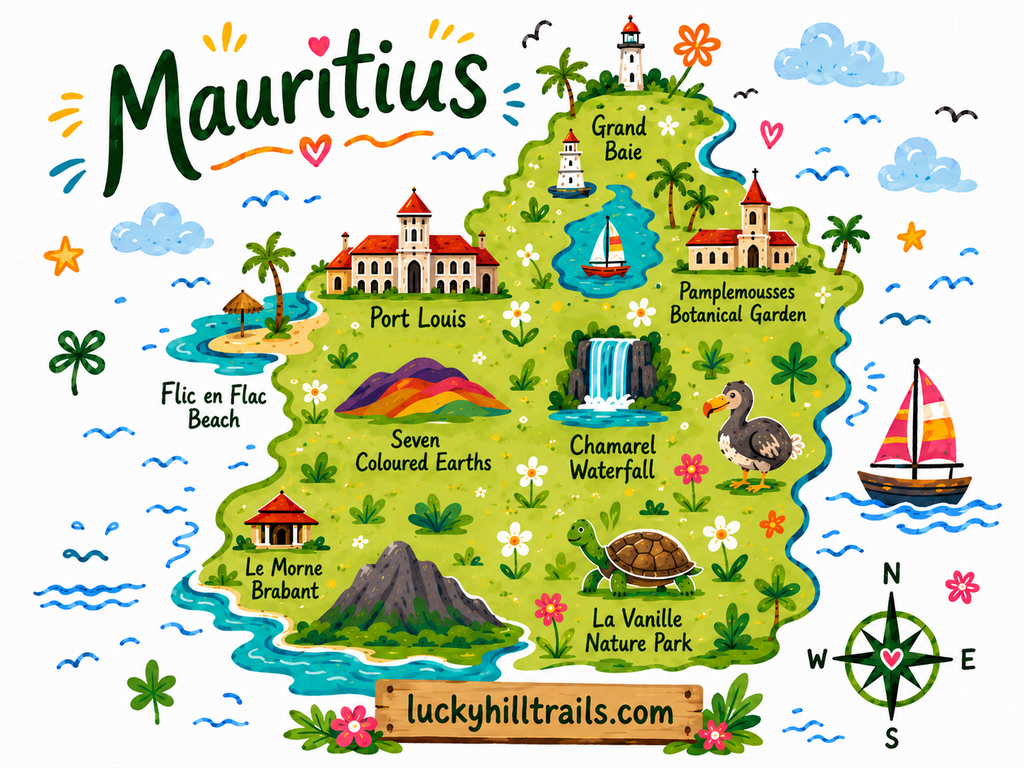
Map preview
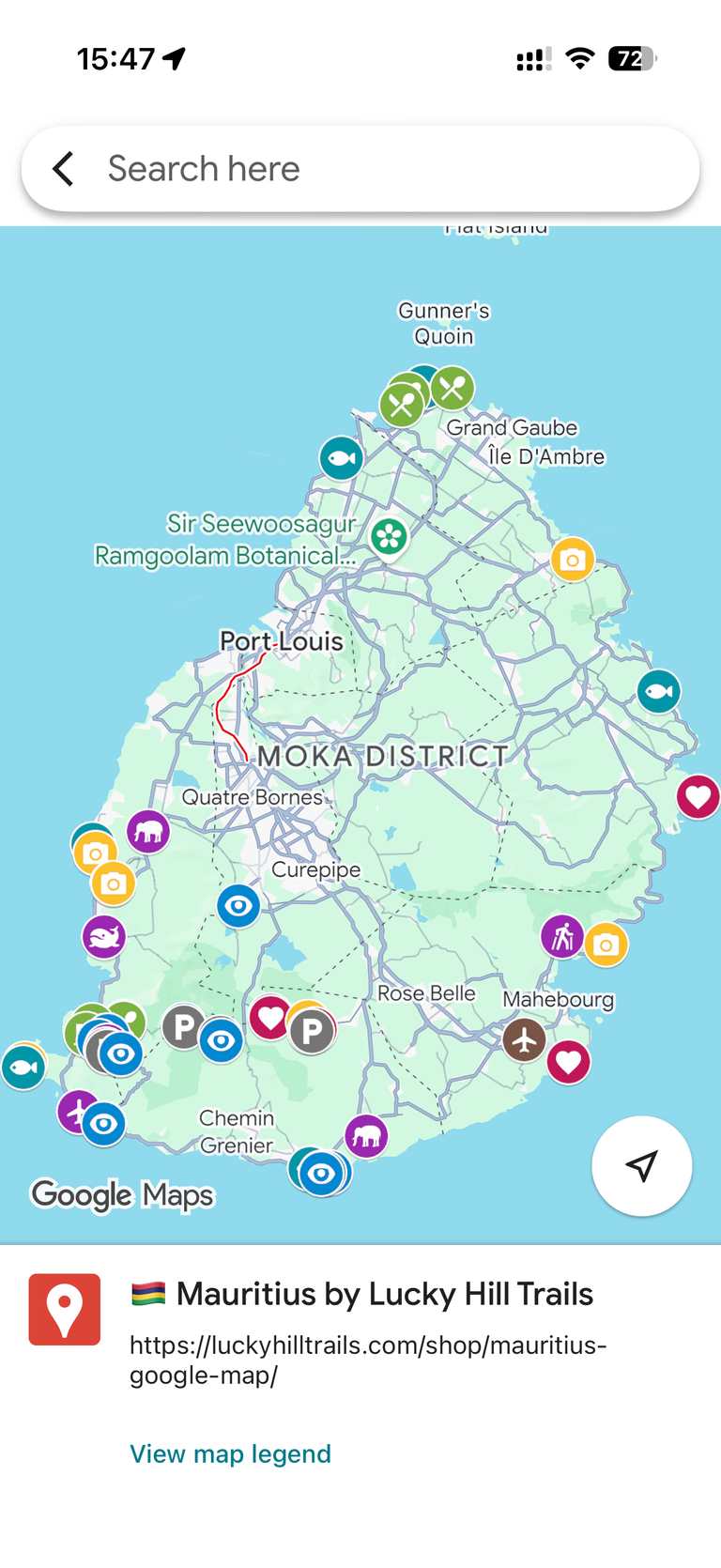
Mauritius Google Map - 50+ Handpicked Locations (Beaches, Viewpoints, Photo Spots)
50+ personally visited locations - beaches, viewpoints, photo spots, waterfalls, and activities - organized and ready to open in Google Maps.
A curated Google Maps guide built from our own Mauritius trips - the island's best beaches, viewpoints, photo spots with exact angles, waterfalls, and activities, ready to open on your phone.
Planning a Mauritius trip means opening twenty tabs and closing them just as confused.
You know the island has incredible beaches. But which one is actually worth the drive? Where do you stand to get that photo of Le Morne - the mountain rising straight out of turquoise water? Which viewpoints are free, and which are tourist traps with a car park full of buses?
This map answers all of that in one place.
Our Mauritius map is a single, organized Google Maps guide we built from our own trips around the island. Every pin is somewhere we actually swam, hiked, ate, or set up a tripod. If a viewpoint made it onto this map, we stood there ourselves and thought: this one is worth it.
What’s inside
50+ pins across the whole island, organized into categories so you can filter to exactly what you need:
- Beaches - where to swim, snorkel, or catch the best sunset.
- Viewpoints - the panoramas worth the stop, including a few most visitors miss.
- Photo spots - with reference shots and the exact spot to stand.
- Nature & waterfalls - the island’s gorges, falls, and colored earth.
- Activities & parks - the experiences worth your time.
- Cafes & restaurants - the places we actually came back to.
Why a Google Maps guide, not a travel blog?
You’ve already read the guides. You know Chamarel is colorful and Le Morne is beautiful. What you need now is everything in one place, on your phone, ready to navigate - including offline, when you’re winding through the Black River Gorges with no signal.
Google Maps is how you actually get around the island. So that’s where we put it.
How it works
At checkout, enter the Google account email you use for Google Maps. We’ll share the map directly to that account - it appears in your saved lists within a few minutes. Open it on your phone, filter by category, and go. No app to download, no subscription to manage.
Who this map is for
Travelers who like to decide as they go - to know what’s good within 20 minutes and choose based on the weather, the tide, and their mood. First-timers who don’t want to miss the island’s best spots, and repeat visitors chasing the ones they skipped. Anyone tired of piecing a Mauritius itinerary together across seven different websites.
If that’s how you travel, this map becomes one of your most-used tools on the island.
Planning a more structured trip? If you want a day-by-day Mauritius itinerary - where to go each day, what to book ahead, and how to pace your time - we’re working on a comprehensive travel guide for exactly that. In the meantime, you can check our 10-day Mauritius itinerary, beach guide, and nature-stop guides - they walk through many of these locations in detail. This map is the on-the-ground companion, the pins in your pocket while you’re there.